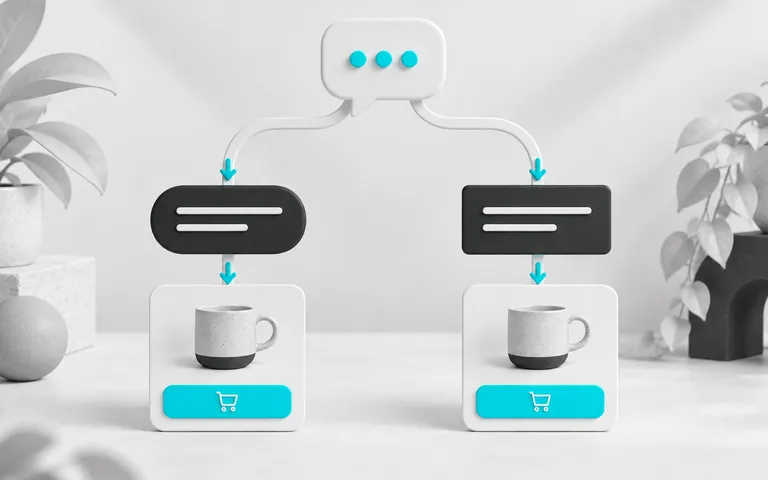
To measure AI-assisted sales, link pre-sales conversations to confirmed orders and define the time frame in which a purchase can be associated with support. Count each order once and distinguish AI involvement, human involvement and the amount paid. This record shows which sales had support before purchase.
A customer might arrive through an ad, ask a question on WhatsApp and place an order after receiving an email. All these contacts are part of the journey. The store needs to decide how to describe them so it does not assign the full value of the same purchase to several initiatives and then add them all together.
In ChatFunnel, contact history, CRM and conversation goals help track support. To measure assisted sales, these records must be linked to orders and payment statuses available through the store connection. A CRM opportunity alone does not confirm revenue received.
Define what counts as pre-sales support
Start by choosing which conversations belong in the analysis. Questions about a product, size and purchase conditions can form a pre-sales group. Questions about an already paid order belong to a different stage and should not make that purchase appear to result from pre-sales support.
Also define what "AI-assisted" means in your report. It could be a conversation in which AI answered a relevant question before purchase. An automatic greeting that did not help answer the question deserves a different classification.
The classification must be simple enough to apply consistently. You can distinguish AI-led support, support shared with the team and human support. When both participate, keep that group visible so the team's contribution is clear.
With ChatFunnel conversation goals, the store defines expected outcomes and tracks completion, with the option to review the assessment. Use this feature to track a support step. If the goal is "size question resolved," it should not be treated as equivalent to "order paid."
Choose the association window before looking at results
The association window is the period in which a purchase can be linked to an eligible conversation. A longer window tends to include more subsequent purchases. Comparing reports with different windows can therefore lead to incorrect conclusions.
In Google Analytics, attribution window settings define how far back a prior interaction can receive credit for an event. The principle helps explain the need for a time rule, but Analytics defaults do not automatically define the ideal window for your store's support. Google Analytics documentation.
Choose a rule suited to the product's decision time and record the reason. You can start by looking at how much time usually passes between a question and a purchase in available records. A basic T-shirt and expensive equipment may need different windows.
Keep the same rule throughout the comparison. If you change it, disclose the change in the report and avoid presenting the difference as an improvement in support.
Build a record that allows each sale to be checked
A spreadsheet may be enough to test the method initially, provided the information comes from reliable records. The aim is to trace a report row back to its corresponding conversation and order.
| Field | What to record |
|---|---|
| Contact | Identifier that links support and purchase |
| Eligible conversation | Date, identifier and reason for inclusion in the analysis |
| Participation | AI, team or shared support |
| Order | Unique identifier and purchase date |
| Payment | Status confirmed by the responsible source |
| Value | Chosen rule, with discounts and cancellation treatment stated explicitly |
| Association | Time rule and evidence used to link records |
ChatFunnel's CRM and contact history help you review messages, assigned staff and opportunities. Order history depends on the data linked to the contact. Check what your connection provides before promising a fully automated report.
Do not merge records simply because buyer names look alike. Use a reliable identifier and reserve ambiguous cases for review. If you cannot confidently link an order to a contact, leave it out of the associated total and record the gap.
Also avoid counting a purchase twice because there were two conversations. You can record multiple support interactions linked to one order, but its value enters that report's total once.
Calculate metrics that answer different questions
The buyer rate after support shows how many eligible contacts bought within the chosen window. Calculate it by dividing the number of associated unique buyers by the number of eligible unique contacts and multiplying by 100.
Associated order value is the sum of confirmed purchases under the rule. It depends on the value rule chosen: state, for example, whether shipping is included and how cancellations and refunds are treated.
Average order value is the associated total divided by the number of orders. It helps describe purchases in that group, but does not show how many people needed support to generate those orders.
Consider this entirely hypothetical example:
| Period record | Illustrative quantity |
|---|---|
| Eligible unique contacts | 200 |
| Unique buyers within the window | 30 |
| Confirmed orders from those buyers | 34 |
| Associated value under the chosen rule | R$ 5,100 |
In this example, the buyer rate after support is 15%: 30 divided by 200. Average order value is R$ 150: R$ 5,100 divided by 34. There are more orders than buyers because some people bought more than once.
These figures are neither ChatFunnel results nor a suggested target for your store. They show why contacts, buyers and orders need separate columns.
Allow groups the same time before comparing them
If a conversation can be associated with a purchase over several days, the group that entered yesterday has not yet had the same observation time as the group that entered last week.
Organize the analysis by contact entry date and wait until the window closes before comparing complete results. If you need to monitor progress earlier, mark the group as partial.
Separate types of requests too. A conversation about delivery time for a paid order and a size question before purchase should not compete in the same conversion rate. The first can be assessed by resolution and need for follow-up; the second by clarification and subsequent purchases.
In the report, state the conversation period and the date through which orders were checked. This lets someone else repeat the calculation without guessing which records were included.
Distinguish associated sales from additional sales
An associated sale occurred after an interaction that meets the report's rule. To claim AI generated additional sales, you need to estimate what would have happened without that intervention.
Experiments with comparable groups can help investigate the difference. Google describes this principle in Conversion Lift studies, which compare exposed and control groups to evaluate campaign effects. This is a method applied to ads in that product, not a native ChatFunnel report. Google reference.
In a support test, the comparison group should continue receiving the usual service. Define allocation, conditions and observation time before starting. Compare errors and question resolution too, so the assessment does not focus only on orders.
A small sample or groups with different profiles can produce a difference that does not hold up. Without a suitable test, describe the result as an association and use the records to form the next hypothesis.
Use the report to choose the next adjustment
When there are many conversations and few associated purchases, read a sample before changing your approach. There may be unanswered questions, unavailable products or an audience still researching. Message volume alone does not identify the cause. The guide to testing an AI agent for an online store helps with this review.
If orders appear mainly in shared support, investigate where the team takes over and what it needs to clarify. That information can guide a knowledge base review or show that a person should continue handling that step. The article on when AI should transfer support to a person helps define that point.
ChatFunnel brings history, goals and CRM together so you can follow what happened in conversations. With orders checked and a clear association rule, these records help assess support's contribution and choose what to improve next.