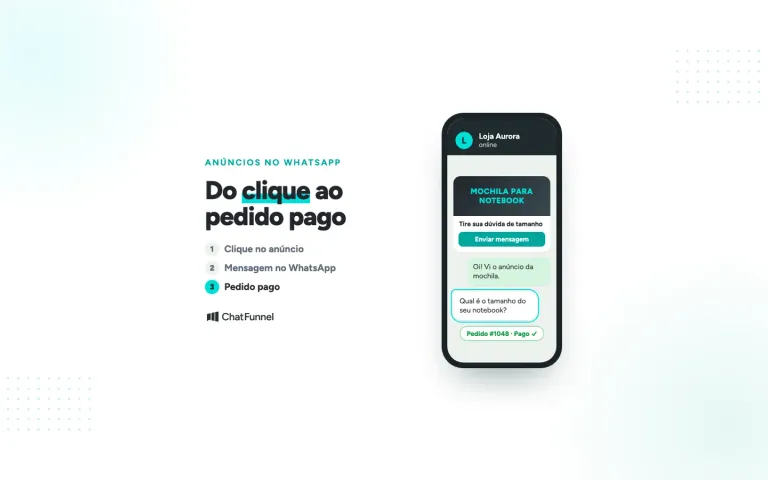
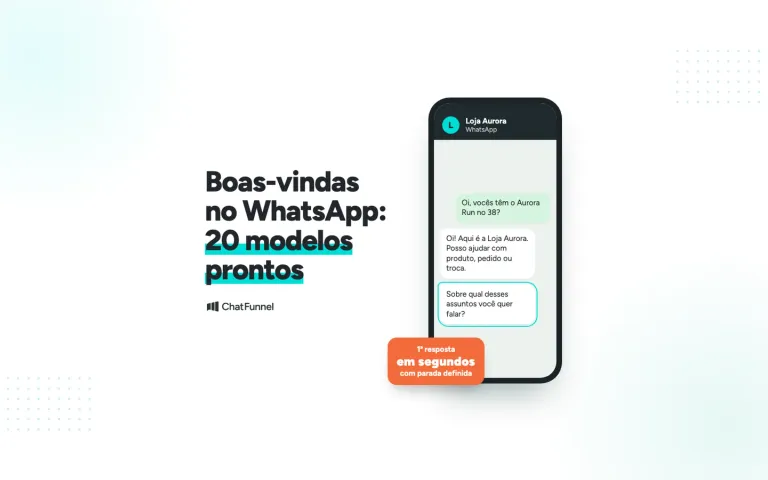
A WhatsApp support bot has become indispensable for businesses seeking to optimize customer support.
With growing demand and the need for quick responses, automating WhatsApp support provides speed and efficiency.
Below, we explain how to create and implement a WhatsApp support bot simply and effectively.
What is a WhatsApp support bot?
A WhatsApp support bot is an automated system that interacts with customers, answers frequently asked questions, solves simple problems and even performs transactions.
It uses artificial intelligence to simulate human conversation and deliver a faster customer experience.
This technology improves communication, reduces waiting time and ensures the company is always available to customers, even outside business hours.
With the right implementation, you can offer fast, efficient support without human errors.
How does a WhatsApp support bot work?
A WhatsApp support bot works through a set of predefined rules and artificial intelligence.
It can be configured to:
- Automatically answer frequently asked questions
- Route customers to human support when necessary
- Automatically collect information such as order data
- Send links, documents and information in real time
Step by step to create a WhatsApp support bot
1. Choose an automation platform
The first step in creating a WhatsApp support bot is choosing an automation platform.
Some platforms are more complex, while others are simpler and suitable for beginners.
Choose one that meets your needs and allows easy WhatsApp integration.
2. Define the bot's goals
Before configuring it, clearly define what you expect the bot to achieve.
Ask yourself:
- Will the bot only answer frequently asked questions?
- Will it automate processes such as appointments or sales?
- Does the bot need to route people to human support?
These goals guide the bot's configuration and ensure effectiveness.
3. Create a conversation flow
Create a conversation flow for the bot to follow. Think about the questions customers ask most often.
Common questions include:
- 'What are your business hours?'
- 'How do I make a purchase?'
- 'What payment methods are available?'
Provide clear, direct answers and always offer an option to speak with a human agent when needed.
4. Integrate with the WhatsApp Business API
For the bot to work on WhatsApp, you need to integrate the automation system with the WhatsApp Business API.
This API lets you send and receive messages automatically.
You may need a developer to ensure the integration is correct, or you can use platforms that already provide it.
5. Test the bot before activation
Before making the bot available to all customers, test rigorously to ensure it works correctly.
Simulate bot interactions, adjust responses and check whether it can resolve the situations covered by the conversation flow.
6. Monitor the bot's performance
After activation, monitor performance continuously. Check whether customers' questions are resolved satisfactorily and analyze feedback.
Adjust responses and the conversation flow whenever necessary.
Benefits of using a WhatsApp support bot
Implementing a WhatsApp support bot can bring several benefits to your business.
Here are some of the main ones:
- Lower costs: less need for staff to answer the same repeated questions.
- Greater efficiency: the bot responds instantly and 24/7.
- Improved customer experience: customers receive fast, accurate answers.
- Personalization: the bot can offer more appropriate responses based on customer history.
- Easy integration: WhatsApp is a popular platform, and integrating a bot is relatively simple.
These benefits make a bot an excellent choice for businesses seeking better customer support without increasing operating costs.
Tips to optimize your WhatsApp support bot
Beyond creating an efficient support bot, continuous optimization is essential to ensure it remains useful to customers.
Here are tips to improve the experience:
- Update responses regularly: add new frequently asked questions as the business evolves.
- Use simple, direct language: communication should be clear to every customer.
- Always offer the option to speak to a human agent: for complex situations, the bot should route the customer to a person.
- Maintain personalization: tailor responses to the customer's profile when possible.
How ChatFunnel can help implement a WhatsApp support bot
ChatFunnel offers powerful solutions to businesses seeking better support automation, focused on increasing conversions and engagement. A
In other words, the company makes implementing a WhatsApp support bot simple and efficient.
The system is designed to automate interactions with leads and customers, providing a unique, personalized experience.
With direct WhatsApp integration, the company ensures you can create personalized virtual assistants ready to provide 24/7 support.
These assistants, functioning as virtual employees, can automatically qualify, nurture and filter leads, improving team efficiency.
ChatFunnel also uses artificial intelligence to optimize support, ensuring interactions are humanized and never sound robotic.
Here is how the company can simplify the process:
- 24/7 automated support: never miss a sales opportunity, even outside business hours.
- Fast, qualified answers: the bot filters and answers questions immediately and accurately.
- Personalized messages: even when automated, the system maintains a genuine connection with customers.
- CRM integration: collected data is sent directly to your system, making lead follow-up easier.
With these features, ChatFunnel lets your business respond faster and turn WhatsApp into a sales machine.
The focus is on qualifying leads and increasing conversions automatically without losing the human touch.
If you want greater customer support efficiency and results, ChatFunnel is the ideal tool for optimizing WhatsApp communication.
Ready to transform your company's support? Start automating WhatsApp and increasing conversions now with ChatFunnel.
Try it free and see how our AI can optimize support and generate more sales. Start your free trial today!